Table of Contents
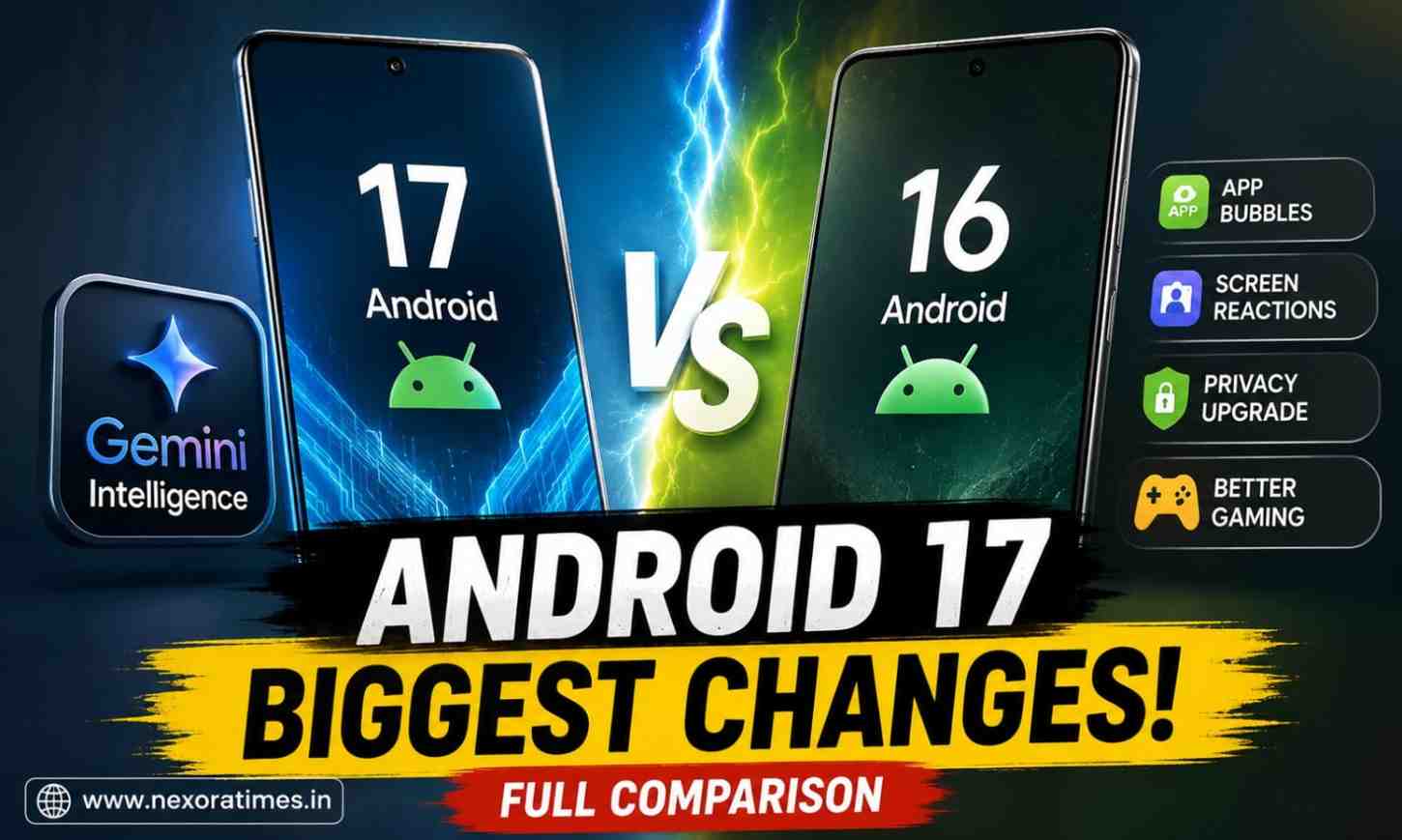
Android 17 vs Android 16 Comparison: Top Features Explained
For years, Android updates have followed a familiar pattern: a few visual tweaks, some security upgrades, and performance improvements hidden in the background.
This year’s update signals a noticeable shift in Google’s strategy. Instead of simply making smartphones faster, Android is evolving into an intelligent, context-aware platform designed to anticipate what users want before they even open an app.
That shift is exactly why the Android 17 vs Android 16 debate is generating so much attention across social media, tech communities, and early beta forums.
While Android 16 focused heavily on refinement, stability, and large-screen optimization, Android 17 pushes deeper into AI-powered experiences, smarter multitasking, and creator-friendly features.
Android 17 vs Android 16: Quick Comparison
The Biggest Difference: Android Becomes More ProactiveAndroid 16 made phones feel smoother.
Android 17 aims to make them smarter. The biggest upgrade is Gemini Intelligence, a deeper AI layer that works across apps instead of staying confined to a chatbot interface.
Instead of opening multiple apps manually, Android 17 is designed to handle those steps for you. That’s a major philosophical shift. For many users, Android 17 may feel like the first version of Android built around AI rather than traditional app navigation.
Gemini Intelligence: Android 17’s Headline Feature
Android 16 introduced tighter Gemini integration, but interactions still felt separate from the operating system. Users often had to switch contexts manually. Gemini Intelligence brings:
- Cross-app actions
- Better on-screen awareness
- Context-based suggestions
- Smarter widgets
- Predictive assistance
- Task automation capabilities
The long-term vision is clear: reduce taps and eliminate repetitive actions. This is also where Android’s competition with Apple’s AI ecosystem becomes more interesting heading into 2026.
Android has experimented with floating windows before, but Android 17 introduces a more polished experience.App Bubbles create a dedicated multitasking layer that keeps frequently used apps accessible without constantly switching screens.
For example:
- Reply to messages while watching videos
- Compare shopping apps quickly
- Keep navigation visible during calls
- Access notes while browsing
On foldables and tablets, the experience feels significantly more useful.Users who frequently multitask could notice the biggest day-to-day improvement here.
Screen Reactions Could Be a Hit With Creators
One feature unexpectedly gaining attention online is Screen Reactions.The concept is simple:
Users can record their screen while simultaneously capturing their selfie camera in a movable overlay. Until now, creators often needed third-party editing apps to achieve this effect.
- Gamers
- Educators
- Reviewers
- Content creators
- Short-video users
This could become one of the most frequently used additions in the update.That detail quickly sparked discussions because it shows Google is increasingly designing Android around creator behavior rather than traditional productivity alone.
- Foldables
- Tablets
- Dual-screen devices
This matters because poorly optimized apps remain one of the biggest frustrations for foldable users.Google appears determined to solve that issue.Gaming enhancements in Android 17 may not grab headlines immediately, but they’re important.
New additions include:
- Controller remapping
- Improved external display support
- Better foldable gaming controls
- Lower-latency interactions
- Enhanced performance optimization
Upgrade Immediately If You:
- Use a foldable or tablet
- Create social media content
- Frequently multitask
- Want deeper AI integration
- Prefer the latest privacy features
You Can Wait If You:
- Are satisfied with Android 16 performance
- Rarely use AI tools
- Prefer stable software over new features
- Own an older device nearing end-of-support
For many users, Android 16 remains a polished and reliable experience.However, Android 17 feels more ambitious.It introduces capabilities that could fundamentally change how people interact with their phones over the next few years.
The Bigger Trend Behind Android 17
The real story isn’t a new widget or a redesigned menu.It’s the changing role of the smartphone itself.For years, phones were app-centric.Android 17 suggests the future may be assistant-centric.
Instead of opening apps, users may increasingly rely on AI to complete tasks across those apps automatically.That’s a significant shift.And it could define the next chapter of mobile computing.
FAQs
- Is Android 17 available now?
Android 17 is rolling out first to eligible Pixel devices, with Samsung, OnePlus, Xiaomi, Nothing, and other manufacturers expected to release updates gradually throughout 2026.
- What is the biggest difference between Android 17 and Android 16?
Gemini Intelligence is the biggest change. It enables more proactive, cross-app AI experiences compared to Android 16’s more limited implementation.
- Will Android 17 improve battery life?
Android 17 includes smarter background management and more efficient AI processing, but actual battery improvements depend on the device manufacturer and hardware.
- Which phones will get Android 17?
Eligible Pixel phones receive updates first. Major brands including Samsung, Xiaomi, OnePlus, OPPO, vivo, and Nothing are expected to release Android 17-based software updates for supported models.
- Is Android 17 worth upgrading to?
If you value AI features, multitasking, content creation tools, and stronger privacy protections, Android 17 is a worthwhile upgrade.
Conclusion
Android 16 focused on refinement.Android 17 focuses on reinvention.The update isn’t just adding features—it is redefining how Android users interact with their devices.
Whether Gemini Intelligence delivers on its promise will ultimately decide how successful this release becomes. But one thing is already clear: the future of Android is becoming more proactive, more personal, and far more AI-driven.
Follow Us: Facebook
For more information: Android 17 Is Here: The Features That Could Change How You Use Your Phone